Acceptance and build-up on a handset
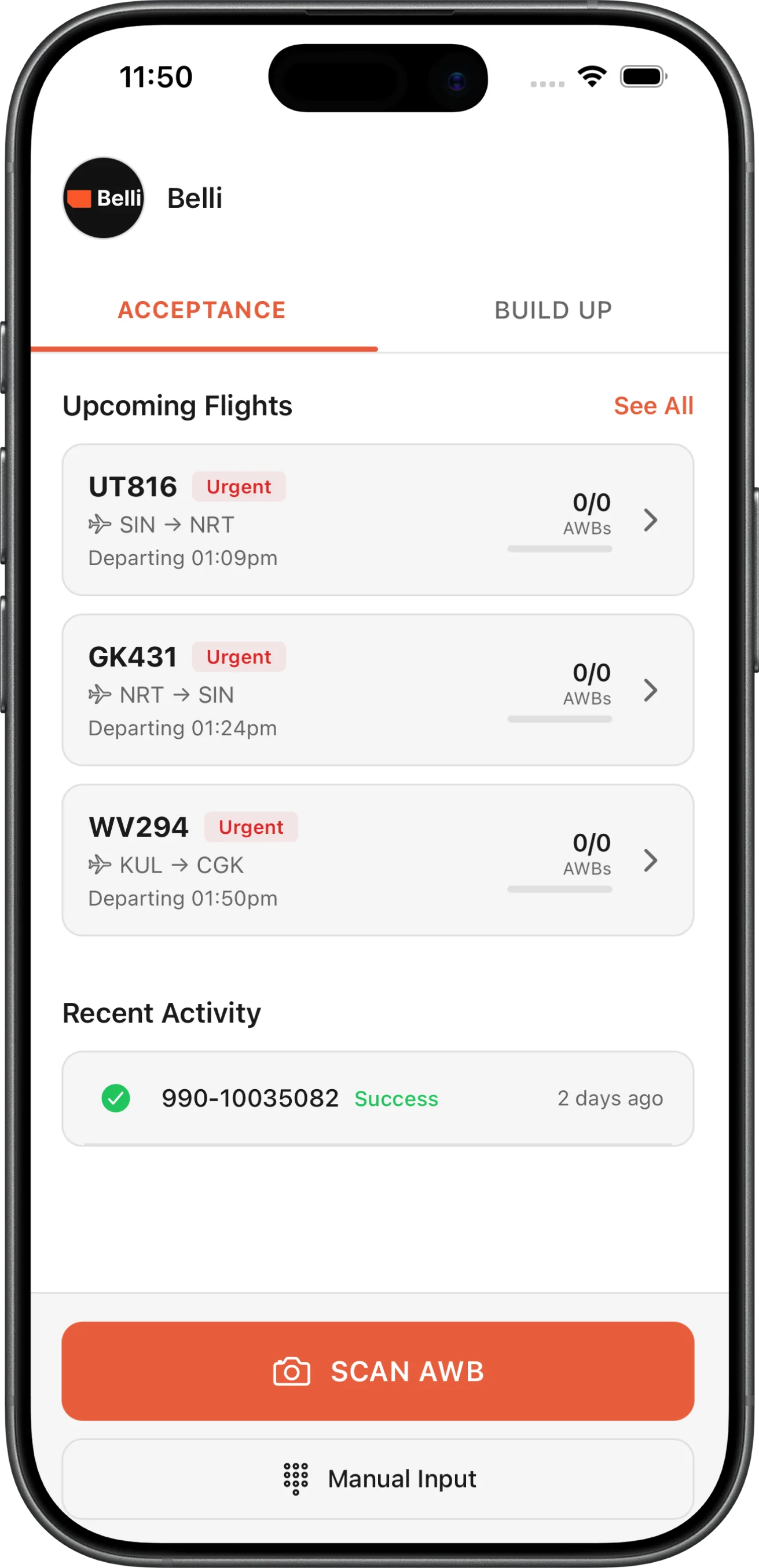
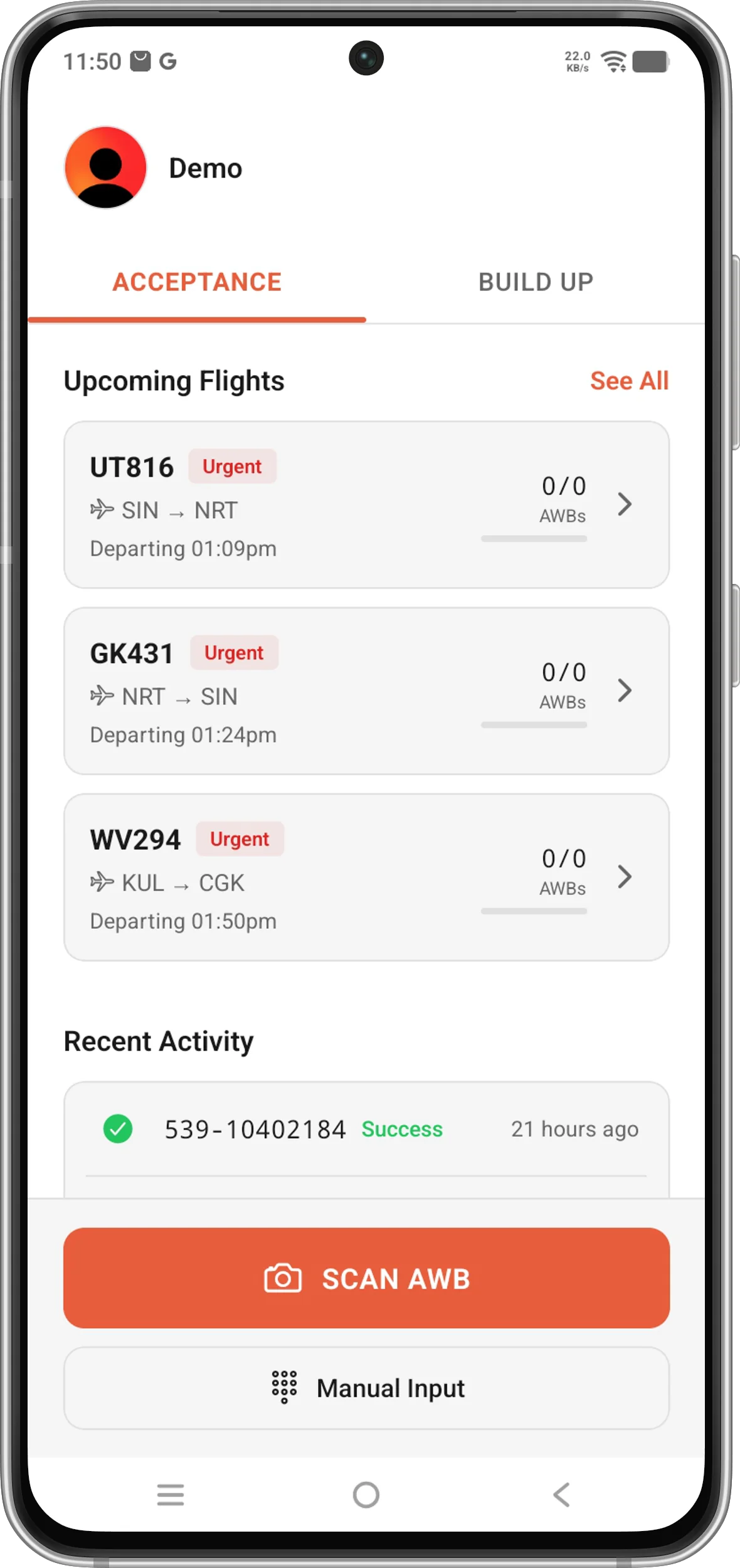
Acceptance and build-up on a handset, by scanning the waybill.
Acceptance
Scan the air waybill, verify the details and the shipment is accepted. New waybills are scanned with the phone's camera or entered manually. After scanning, dimensions, weight and nature of goods can be adjusted in the app and comments or photos can be added to the accepted shipment.
Build Up
Select a flight, scan the air waybill and add the shipment to a ULD. The build-up screen picks up recent sessions or opens upcoming flights. Waybills are added by scanning barcodes with a mobile scanner or entering them manually and the ULD can be chosen before or after scanning.